




2025 GMC Acadia near Morganton, NC
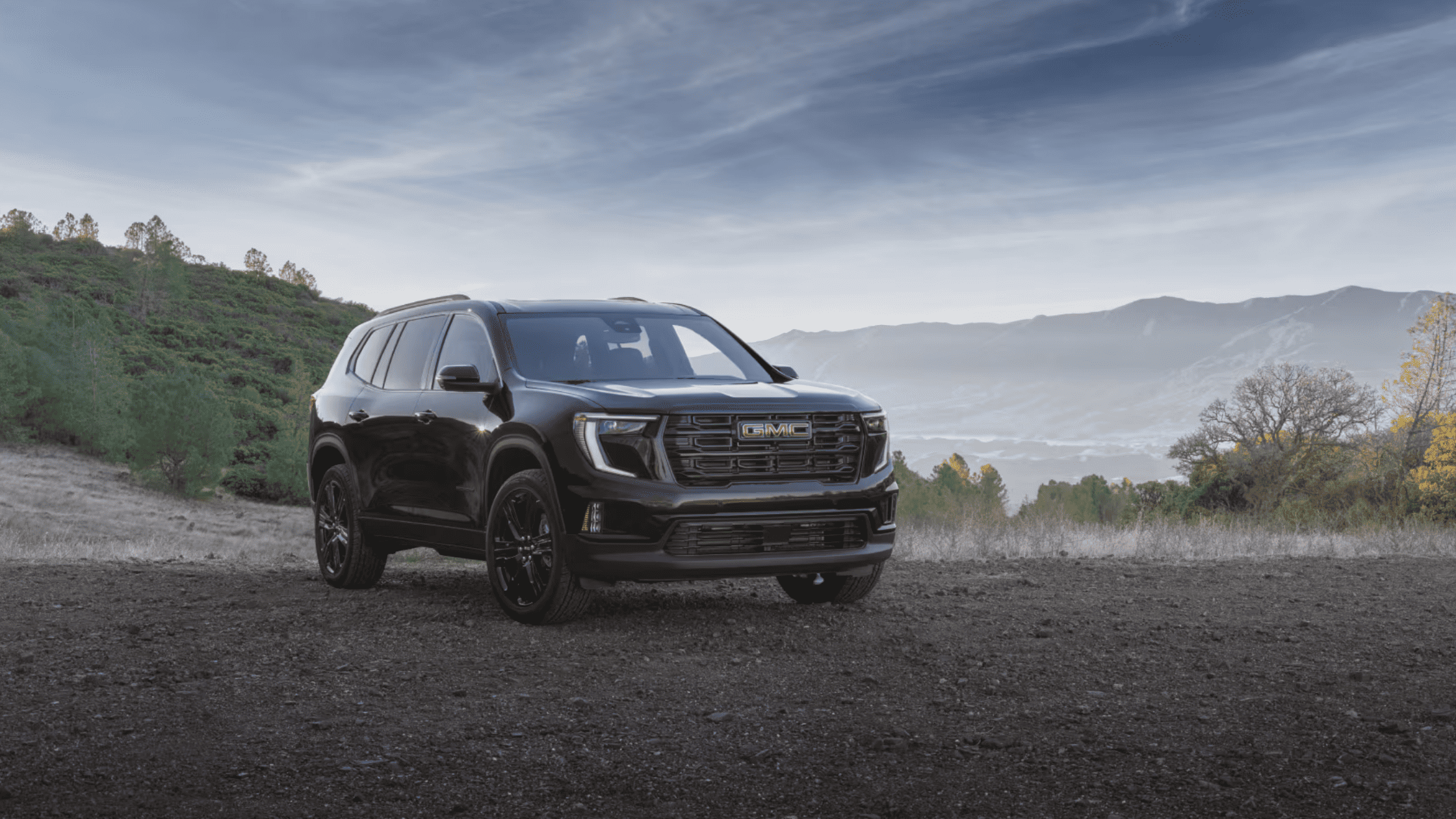
The 2025 GMC Acadia is designed with a focus on driver control, advanced systems integration, and technical efficiency. This vehicle presents a full range of mechanical and digital advancements aimed at meeting modern automotive standards. Equipped with multiple customizable features, digital interfaces, and advanced safety technologies, the 2025 GMC Acadia aligns performance with precision.
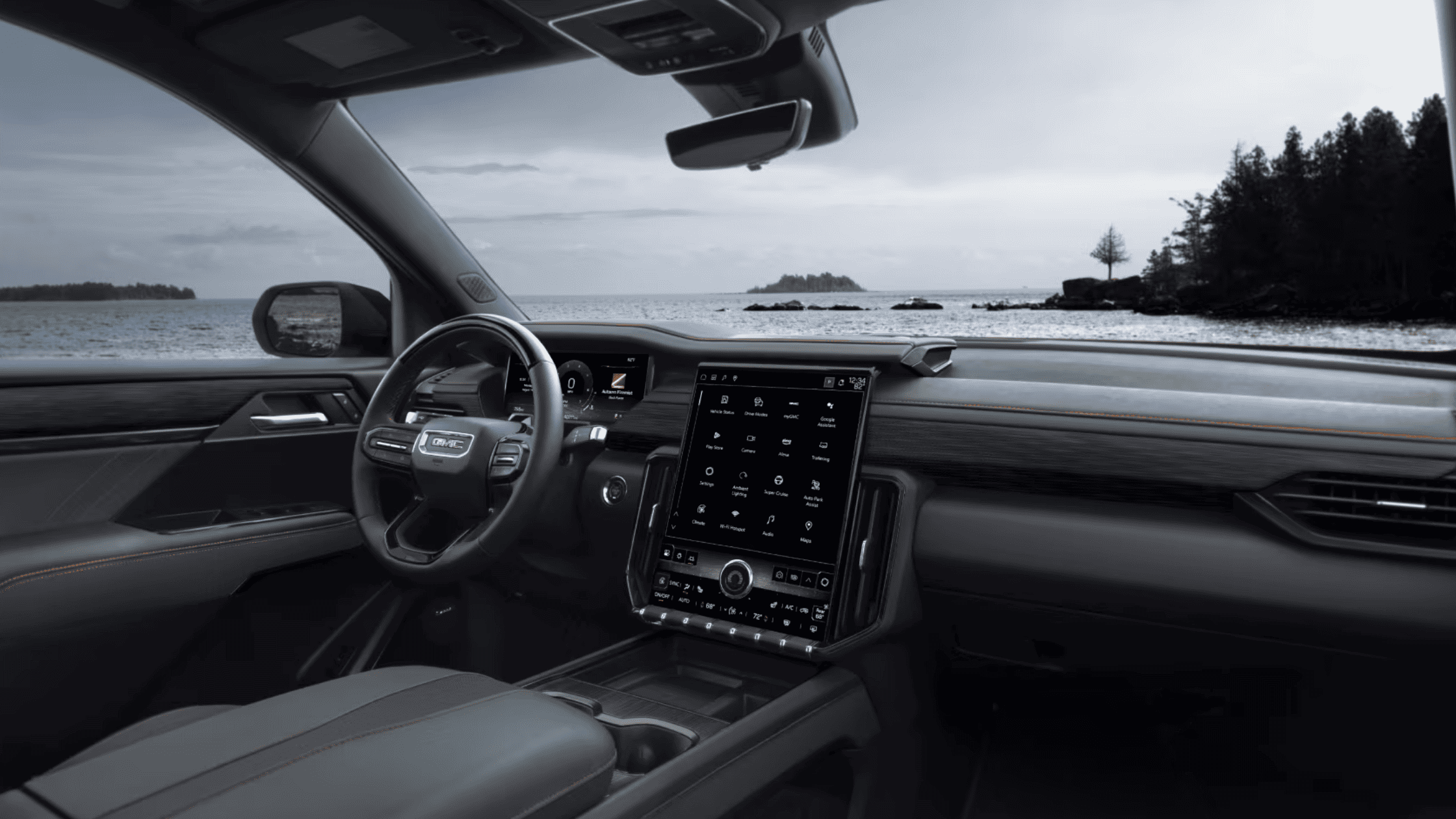
Powertrain Operation and Shift Technology
The 2025 GMC Acadia employs an electronically controlled automatic transmission using the Electronic Precision Shift system. This system replaces the traditional gear shifter with a column-mounted lever, offering clear tactile feedback for each gear selection. Drivers initiate Park by pressing a button located at the tip of the shift lever. Reverse and Drive are activated by pulling the lever either upward or downward while pressing the brake pedal. Neutral is selected by holding the lever briefly. Manual shifting is available through the low gear button, and gear changes can be executed via plus and minus paddles on the back of the steering wheel.
To support varying road surfaces and driving preferences, the Driver Mode Control system is accessible through a dedicated MODE button located on the left side of the instrument panel. This allows configuration of driving parameters based on selected conditions. All-Wheel Drive mode is also enabled by a separate button, granting improved traction as needed.
Seat Engineering and Spatial Adjustment
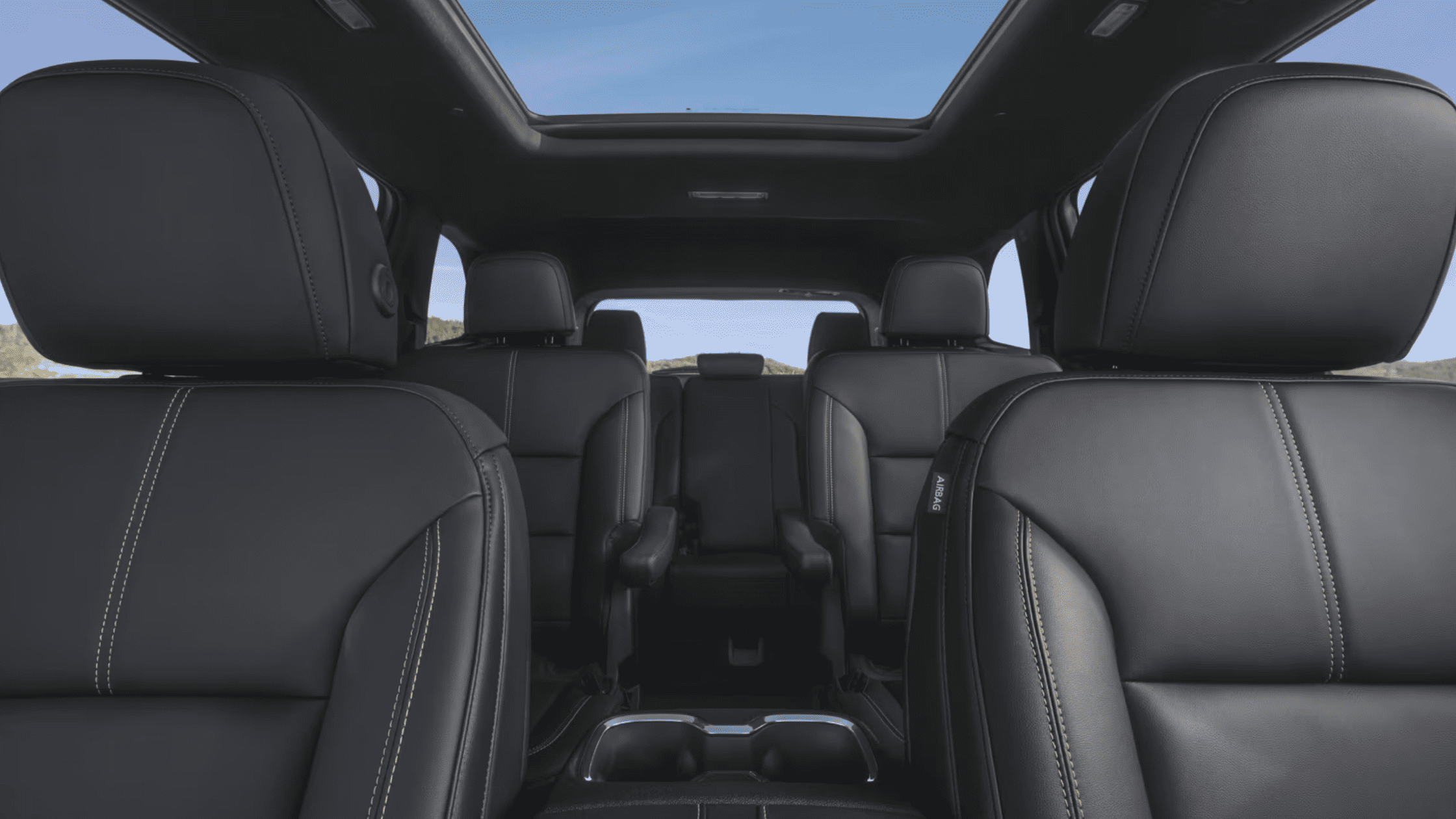
Interior adaptability is a focus within the seating system of the 2025 GMC Acadia. Power-operated front seats feature adjustments for seat height, cushion tilt, lumbar support, and backrest recline. Driver and passenger memory settings can be programmed to preset positions through controls on the door panel, allowing recall of individual configurations.
Second-row seats can slide forward or backward by using the lower seat bar. A manual lever on the side of each seat enables quick folding of the seatbacks. Alternatively, power switches located in the cargo area provide one-touch operation. Third-row seats are also foldable with manual release straps or power switches. These configurations support variable cargo and passenger arrangements without requiring seat removal.
Driver Interface and Cluster Customization
A digital Driver Information Center is situated behind the steering wheel, offering a fully reconfigurable display. Using steering wheel-mounted controls, drivers can navigate through vehicle data, including trip information, system status, fuel economy, and navigation support. The Driver Information Center can display multiple layouts, each focused on a different set of metrics. Selections from the infotainment screen can be added or removed from the display through the Vehicle Status menu, supporting tailored information management.
Infotainment and Device Integration
The infotainment system provides both wireless and wired connectivity options. Apple CarPlay® and Android Auto™ can be accessed through Bluetooth® or USB connections. The vehicle features built-in Google applications, including Google Maps, Google Assistant, and Google Play. These allow voice-command navigation, app downloads, and function control directly from the infotainment screen.
Voice recognition is integrated through the Push to Talk button on the steering wheel, which activates either Google Assistant or the vehicle’s native command system, depending on the user’s preference. Natural speech inputs are supported, with responses and prompts appearing visually on screen.
Devices can also connect via USB data ports located at the front of the center console. Rear USB ports are dedicated to charging. Wireless phone charging is available on the front console pad, which activates automatically when a compatible device is placed correctly.
Climate Systems and Cabin Environment
The 2025 GMC Acadia includes tri-zone automatic climate controls, allowing the driver and front passenger to maintain individual temperature preferences. Rear climate control settings can be accessed via the infotainment interface or adjusted manually by second-row occupants. Fan speed, airflow direction, and air conditioning status adjust automatically in AUTO mode but can be customized through physical buttons and screen settings.
A power-operated sunroof and sunshade are available, with separate controls for tilt, open, and close functions. These features operate using express-open and express-close settings. Controls for both are positioned near the overhead console.
Liftgate and Entry Technology
The power liftgate system offers hands-free operation when the key fob is within a three-foot radius of the rear bumper. A set of four beeps signals the impending opening. Manual liftgate height adjustment is supported. The user sets the desired opening position by manually moving the liftgate and pressing the interior button until confirmation beeps and turn signals flash.
Keyless access allows the vehicle to unlock or lock without removing the key fob from a pocket or bag. Pressing a button on any door handle activates the corresponding function. The system supports passive locking when the key fob is moved away from the vehicle.
Visibility and Lighting
Automatic headlamp activation is available, with settings controlled via the infotainment interface. IntelliBeam® operates the high-beam system by monitoring ambient light and oncoming traffic, automatically switching between beam modes. This function is only enabled when the exterior lamps are set to Auto and the vehicle speed exceeds 25 mph.
Wiper controls are located on the turn signal lever, allowing users to adjust front and rear wiping intervals, speeds, and washer fluid distribution. Rear window wipers are managed by rotating the inner band of the same lever.
Advanced Cruise and Lane Control Systems
Super Cruise® functionality is standard, with adaptive capability as an optional feature. Adaptive Cruise Control uses radar to maintain a preset distance from the vehicle ahead. The driver can select the desired following gap—Far, Medium, or Near—using a steering wheel button.
Lane Keep Assist with Lane Departure Warning monitors road markings. If an unintentional departure is detected without the use of a turn signal, the system may provide a steering input to redirect the vehicle. Audible or visual alerts accompany the corrective action. This feature does not replace active steering and requires the driver’s engagement at all times.
Braking and Emergency Systems
Forward Collision Alert detects vehicles in the path ahead and provides a warning through visual indicators and audible tones. If the system identifies a high-risk situation and the driver does not act, Automatic Emergency Braking is engaged to reduce impact severity or potentially avoid a collision. The system uses cameras and onboard sensors to determine timing and intensity.
Front Pedestrian Braking functions during daytime at speeds below 50 mph, providing alerts and automatic braking for pedestrians detected ahead. Rear Pedestrian Alert monitors for people behind the vehicle while reversing and can activate emergency braking or seat-based alerts.
Rear Cross Traffic Braking and Rear Park Assist with Braking detect lateral traffic or obstacles when backing up. The system provides layered responses, including visual alerts, audible tones, and braking assistance.
Camera Systems and Parking Support
HD Surround Vision compiles inputs from multiple exterior cameras to create a composite top-down view displayed on the infotainment screen. Additional views are selectable to assist with specific angles during low-speed maneuvers.
The Rear Camera Mirror can replace the traditional rearview mirror with a video feed offering a wider field of vision. Adjustments for brightness, zoom, and tilt are accessible through mirror-mounted buttons.
Control Customization and Settings Access
Most operational settings are accessible through the infotainment system’s Controls and Settings menus. This includes configuration for driver assistance systems, lighting preferences, climate behavior, and display layout. Adjustments to features such as Buckle to Drive, Exit Seating Memory, and Auto Stop can be managed through these menus.
Integrated Connectivity and Digital Monitoring
The 2025 GMC Acadia includes onboard Wi-Fi capability, supporting up to seven devices connected simultaneously. Users can locate the network name and password through the infotainment system.
Tire pressure monitoring is available, with current pressures viewable on-screen. Tire Fill Alert provides audio and visual signals as tires reach the recommended inflation level.
StabiliTrak and Traction Control activate automatically at startup. These systems assist in maintaining directional stability and reducing wheel spin. Users can deactivate them through the infotainment system when conditions require manual control, such as freeing the vehicle from snow or mud.
Prompt Technical Access and Diagnostics
Vehicle diagnostics and status tracking are available through the MyGMC mobile application. The app enables users to initiate remote start, lock and unlock doors, view fuel levels, and access tire pressure data. Remote settings such as light activation and horn signaling are also supported.
Schedule a Test Drive near Morganton, NC
Drivers interested in evaluating the full range of technical systems in the 2025 GMC Acadia can arrange an in-person demonstration. Experience direct interaction with the adaptive cruise functions, reconfigurable displays, wireless connectivity, and seat configurations during a test drive. Schedule a test drive with Elevation Chevrolet GMC near Morganton, NC, to engage with these systems in an operational setting and observe the performance of the latest driver-assist technology and infotainment integration.